Be first to see what’s next on May 28: New at Nintex Q2

Skip to content
  1. / Home
  2. / Resources
  3. /
Brochure

Modernisation in action

A practical playbook for moving beyond SharePoint on-prem workflows & InfoPath  

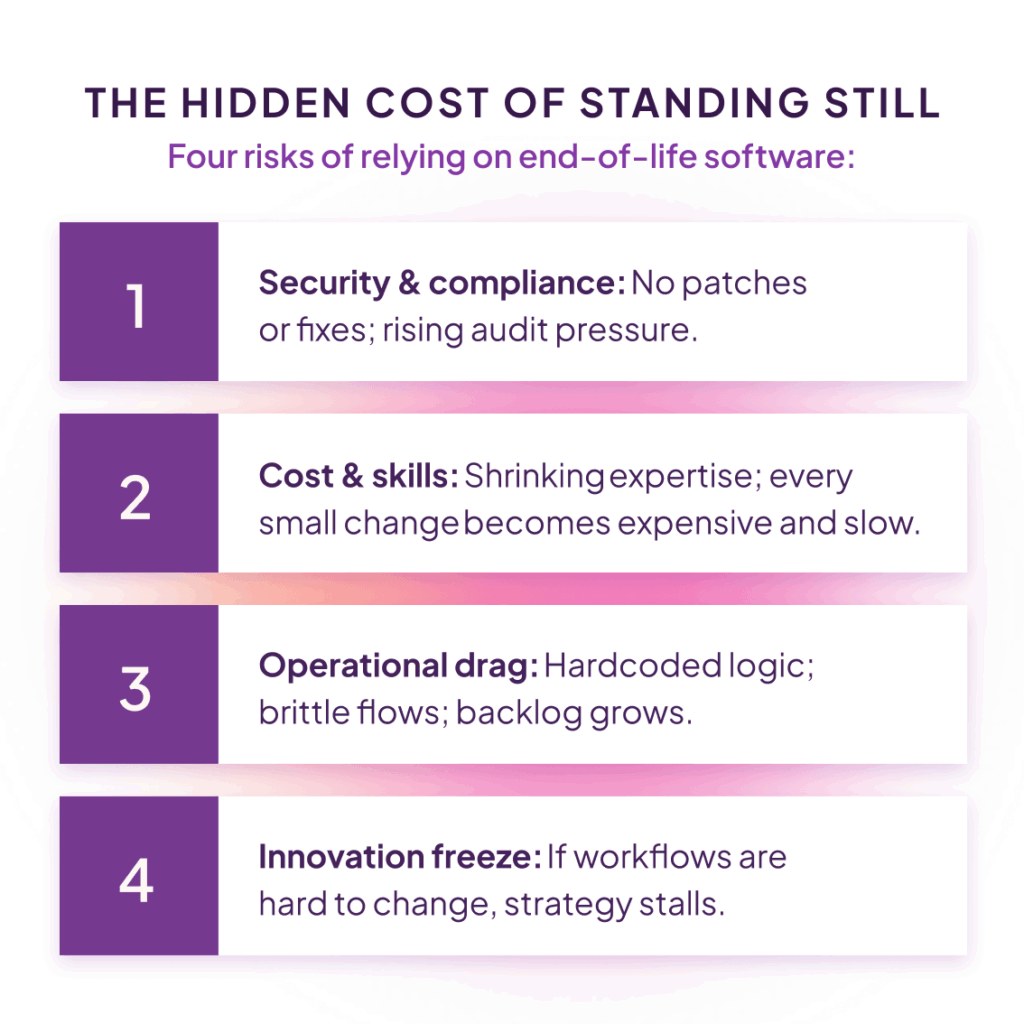
End-of-life software risks infographic showing security and compliance gaps, rising costs and skills shortages, operational inefficiencies, and stalled innovation due to outdated workflows.

Overview

Microsoft’s end of support for legacy SharePoint workflows and InfoPath doesn’t flip a kill switch overnight — but it does freeze your future. No fixes, no security updates, and no roadmap means rising risk, growing cost, and slowing innovation the longer you wait. While you may not experience a dramatic outage; you will experience the cost of compounding drag on every change request, audit, and improvement you try to make.

Move from inaction to impact with Nintex: Migrate what works, remediate what doesn’t, and enhance everything with modern automation and AI — without starting from scratch.

In this playbook, you’ll find step-by-step guidance, technical checklists, and practical enhancements you can deploy immediately after migration.

What “end of support” really means

No new fixes or security updates

Vulnerabilities and performance issues become yours to manage.

No future roadmap

Technical debt grows and skilled support gets harder to find.

Change velocity slows

Every tweak is expensive, risky, and time-consuming.

5 steps to move beyond Sharepoint on-prem workflows & InfoPath

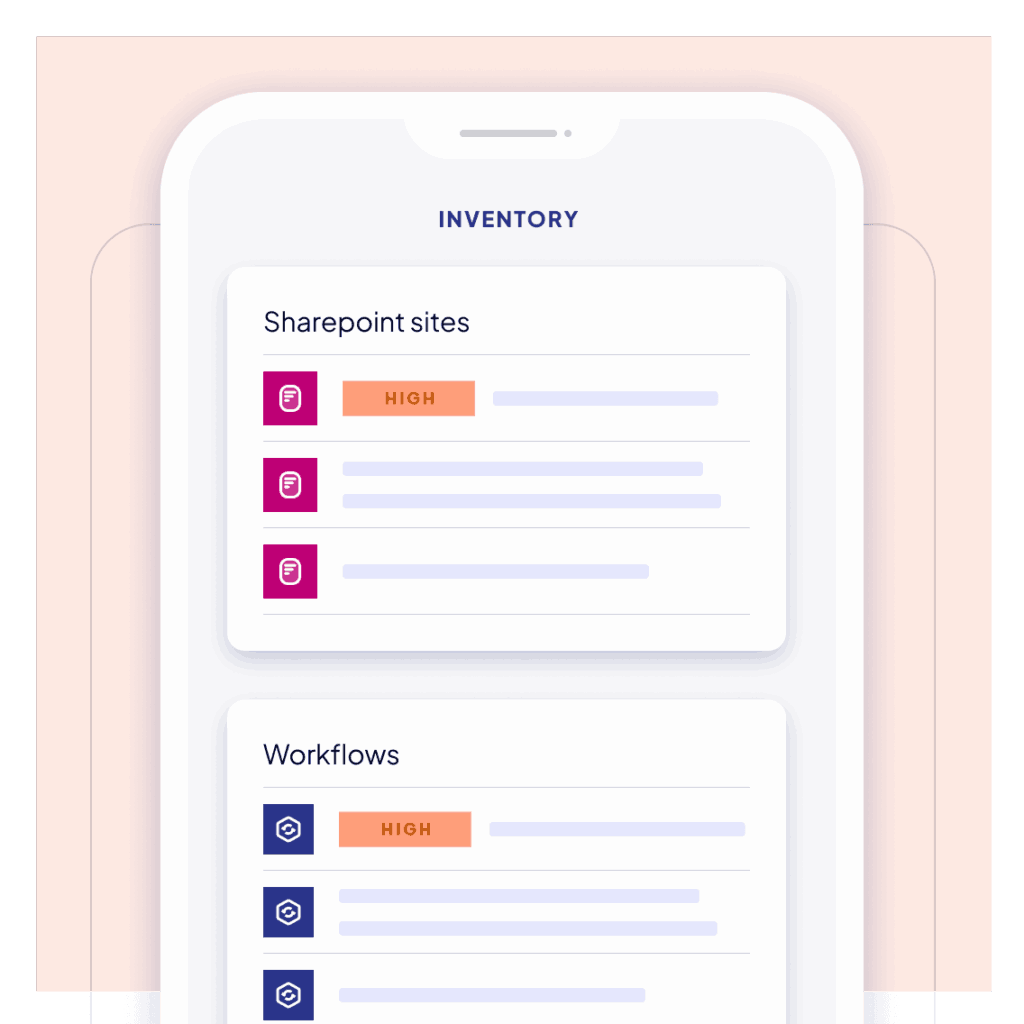
Inventory dashboard showing SharePoint sites and workflows with high-risk indicators, highlighting assessment of legacy workflow systems and automation dependencies

1: Assess

Assess your current state

  • Inventory your SharePoint farms/sites, lists/libraries, and workflow counts.
  • Identify dependencies, like custom actions, credentials, and form assets.
  • Prioritise by business criticality and compliance exposure.
  • Flag InfoPath usage and high-risk customisations.
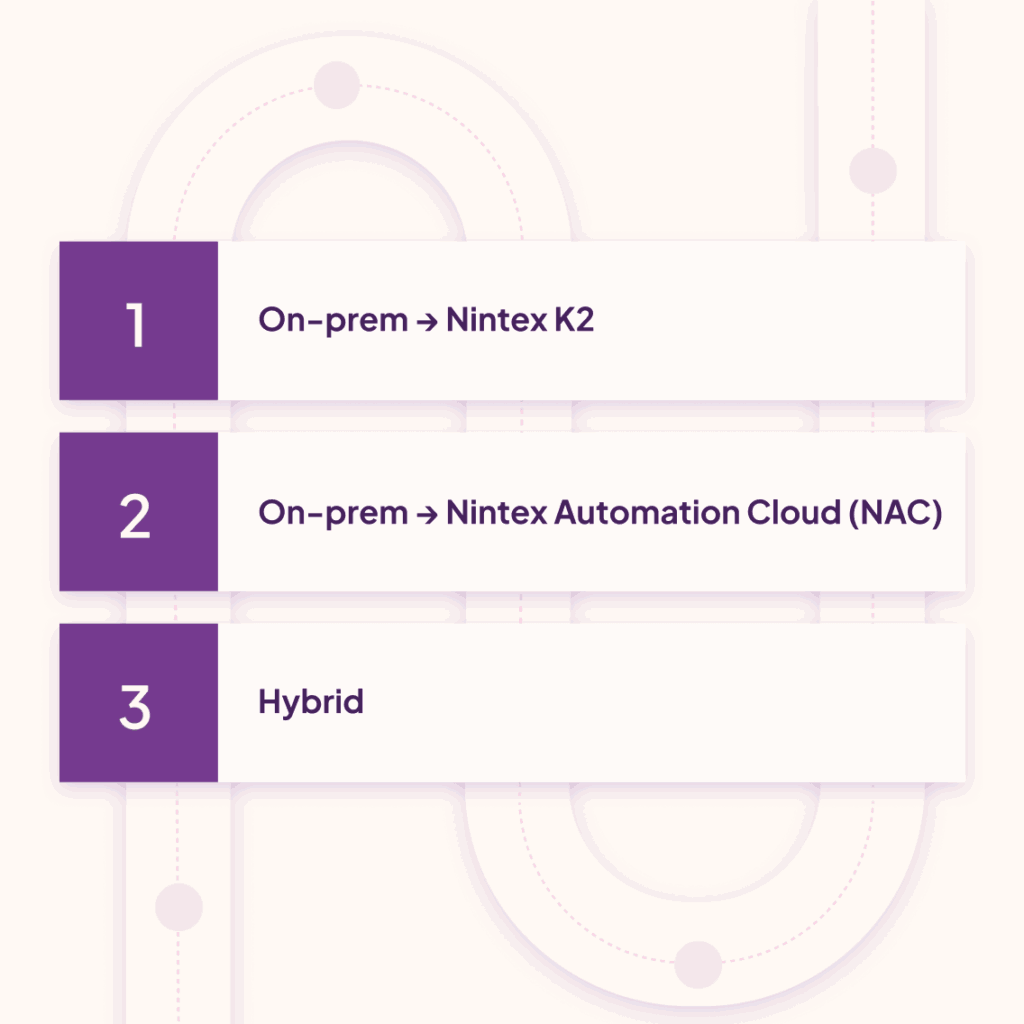
Migration paths infographic showing on-premises workflow options: Nintex K2, Nintex Automation Cloud (NAC), and hybrid deployment strategies

2: Choose path

Choose your migration path

  • On-prem → Nintex K2: Stay on premises with modern capabilities
  • On-prem → Nintex Automation Cloud (NAC): Cloud scale + continuous updates
  • Hybrid: Phased move; keep some workloads on-prem while modernising others

(Tip: Pick a path per process; you don’t need one path for everything!)

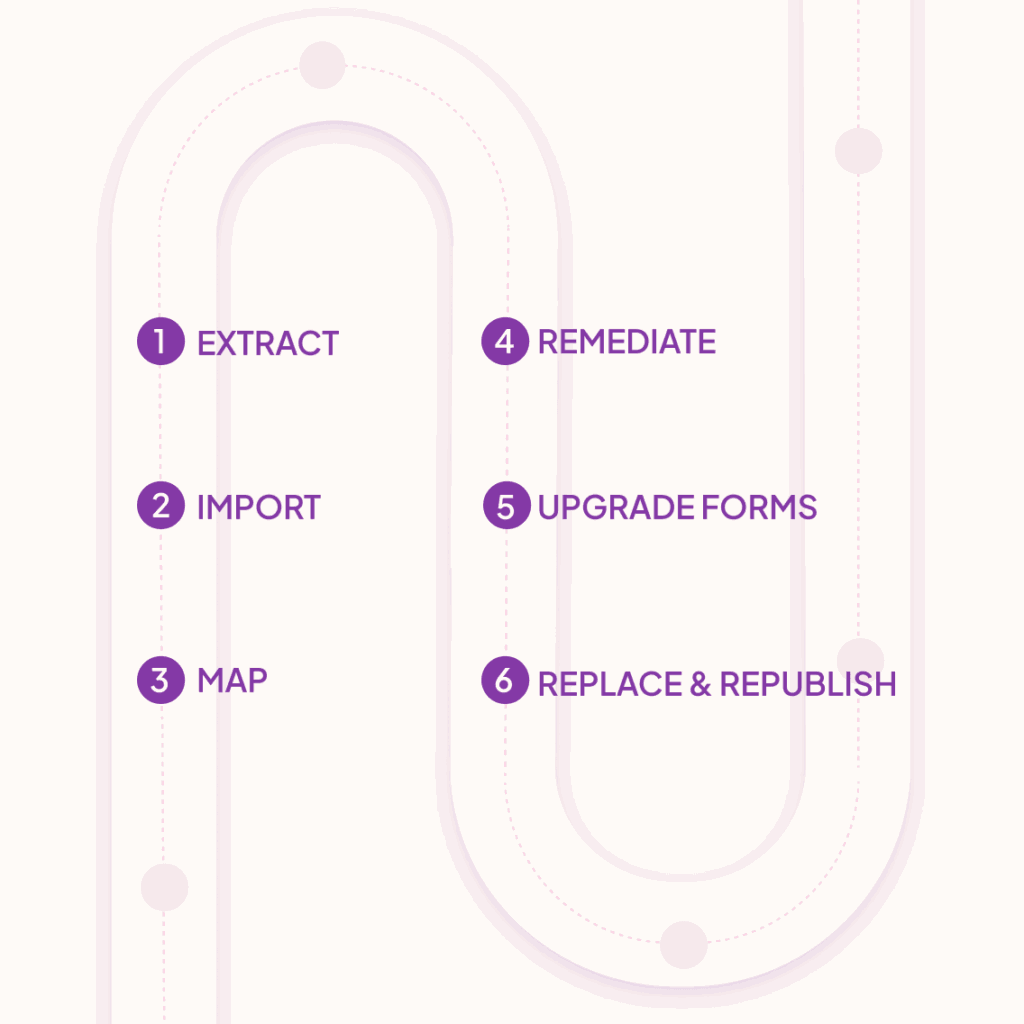
Workflow migration process infographic showing six steps: extract, import, map, remediate, upgrade forms, and replace and republish legacy workflows.

3: Execute

Execute your migration 

  1. Run the Nintex Workflow Extraction Script to package workflows.
  2. Import packages into Nintex Automation Cloud via the Upgrade Center.
  3. Use site mapping to update on-prem URLs to SharePoint Online targets.
  4. Remediate variables, task assignees, and connections.
  5. Export legacy forms and upgrade in Nintex Forms for O365 (SPFx).
  6. Replace relative logos/buttons; republish. [Transcript…in Action | Word]
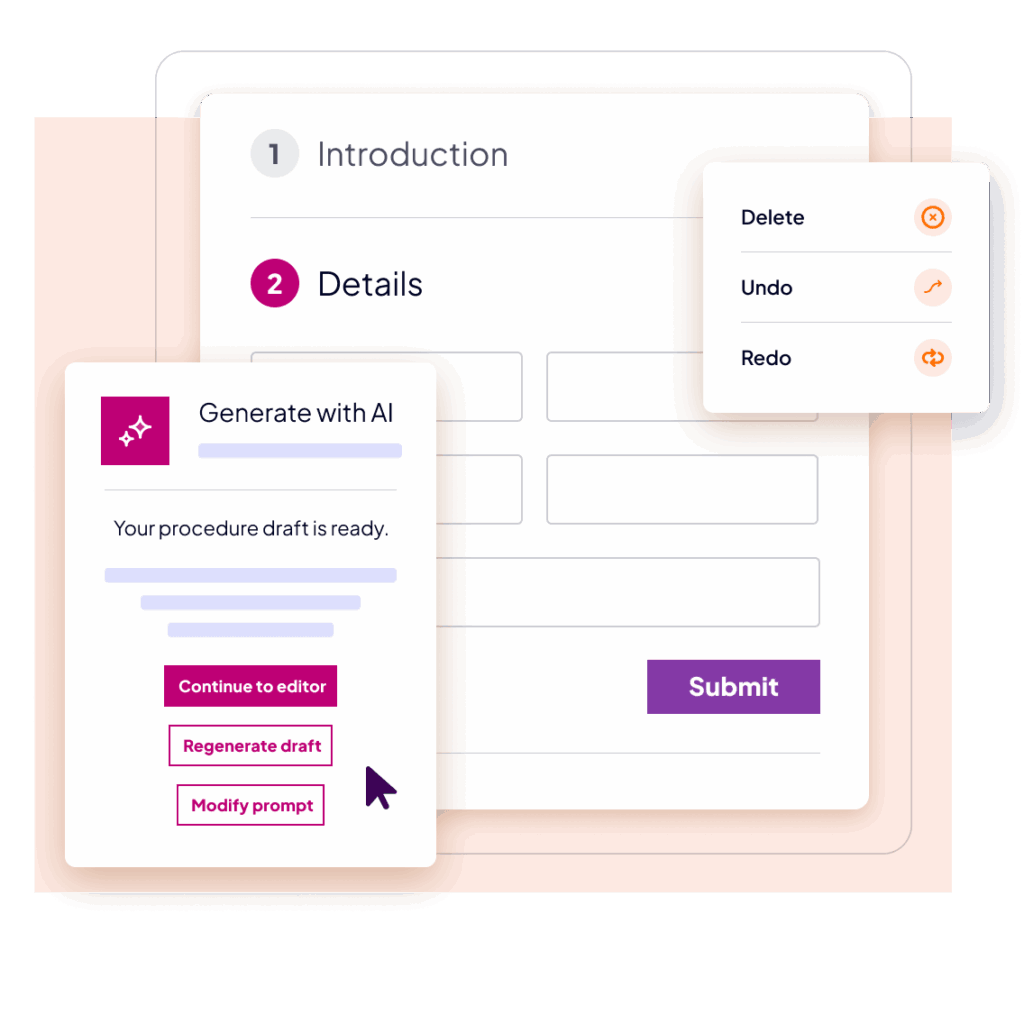
AI-powered workflow form builder interface showing automated procedure generation, draft editing options, and submit workflow functionality

4: ENHANCE

Enhance post-migration

Add:

  • AI Form Designer to generate forms and rules from natural language.
  • AI Translation for multilanguage UX (including RTL support).
  • Policy validation with LLMs (e.g., approve short, compliant requests automatically; route exceptions with rationale).
  • Modern notifications & task experiences (web, SharePoint, mobile).
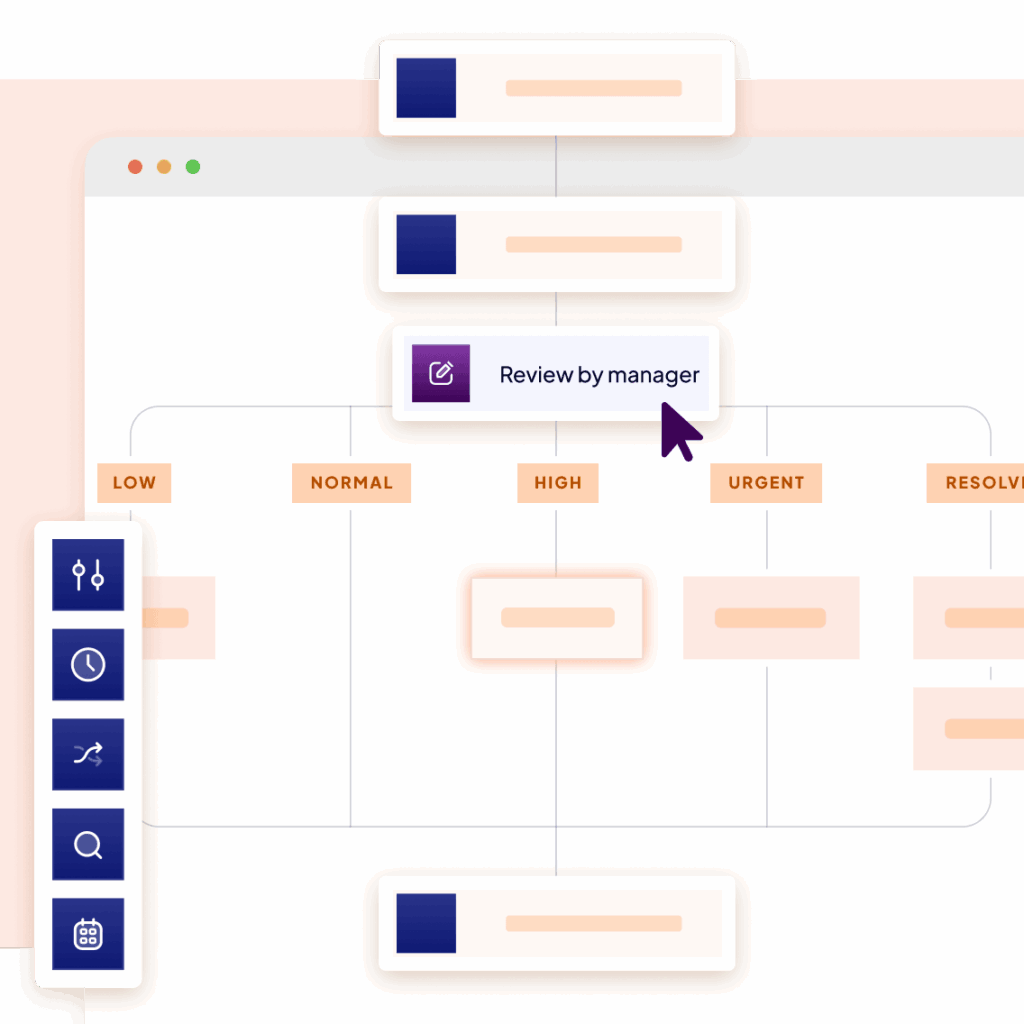
Workflow governance dashboard showing manager review step, task prioritization (low to urgent), and process visibility across automated business workflows.

5: GOVERNANCE

Governance & change velocity 

  • Centralise connections, environments, and deployment rules.
  • Standardise review/approval for updates; build auditability into every flow.
  • Track instance history and task outcomes for compliance.

Your 30-day action plan 

Week 1

Inventory & prioritise

Tip: Choose 1-2 pilot workflows to start with.

Week 2

Extract, import, map, and remediate

Week 3

Upgrade forms; add one AI enhancement

Week 4

Pilot, measure, and plan for the next 5-10 workflows

Get Started Today

Don’t risk your future. Explore modernisation options today!

See the full demonstration, get the scripts, and download the checklist.

Three professionals in business attire have a discussion around a table. Two women are looking at and interacting with a tablet, while a man listens attentively. The setting appears to be a bright, modern office.

See for yourself

Put Nintex to the test

Because seeing is believing, let us give you a firsthand look at how Nintex can work for you.